
Media tools for direct work now. Workflow scale later.
Browse AI workflows and browser-first utilities in one product surface. Start with the tool you need, then grow into repeatable processing, batch jobs, and API usage when the workflow becomes operational.
Image, video, and document processing that uses credits and queue-backed execution.
Fast utilities for editing, conversion, generation, and cleanup without heavy setup.
AI workflows cover heavier image, video, and document processing.
Standard tools stay fast and browser-first for common editing tasks.
Use the catalog to work directly, or move into API and batch workflows later.
Watermarks, backgrounds, and visual clutter.
Upscale, sharpen, and recover visual quality.
Change formats, resize assets, and prepare outputs.
Create QR, SVG, and utility outputs fast.
Start with the workflows people usually pay for first.
These are the heavier jobs: watermark removal, background cleanup, editing, and upscaling. They belong in the same product surface as the rest of the media stack.
Keep everyday editing fast and local where it makes sense.
The product is not only about AI. Free tools stay useful for routine conversions, cleanup, formatting, and image work without forcing credits into every task.
Browse the full tool stack.
Filter by category, search by workflow, and move from quick fixes to heavier AI tasks without switching products.
Use categories when you know the job. Use search when you know the workflow name.
Start with a single tool. Move to credits, batch runs, and API flows when the volume changes.
Search by workflow or filter by category. The goal is direct discovery, not a crowded directory.
Matching tools in the current view.
Credit-based AI workflows.
Browser-first tools for direct work.
Image Compressor & Resizer
Compress images to reduce file size or resize them to specific dimensions.
Image Format Converter
Convert images between formats like JPG, PNG, WebP, and more.
Image Cropper
Crop and resize images online with custom aspect ratios and precise control.
Image Rotator
Rotate images by 90, 180, or 270 degrees with perfect quality preservation.
Auto Orientation Fixer
Automatically fix image orientation issues
Vertical Flip
Flip images vertically (upside down) with our free online tool. Perfect for creating artistic effects and correcting image orientation.
Horizontal Flip
Flip images horizontally (left to right)
Image Sharpener
Enhance image clarity and details with our free online sharpening tool.

Image Blur Tool
Add blur effects to your images online for free. Create depth of field effects and soften backgrounds.
Contrast Booster
Dramatically enhance image contrast for bold effects.
Gamma Adjuster
Adjust brightness and contrast with gamma correction.
Remove Transparency
Convert transparent images to solid backgrounds.
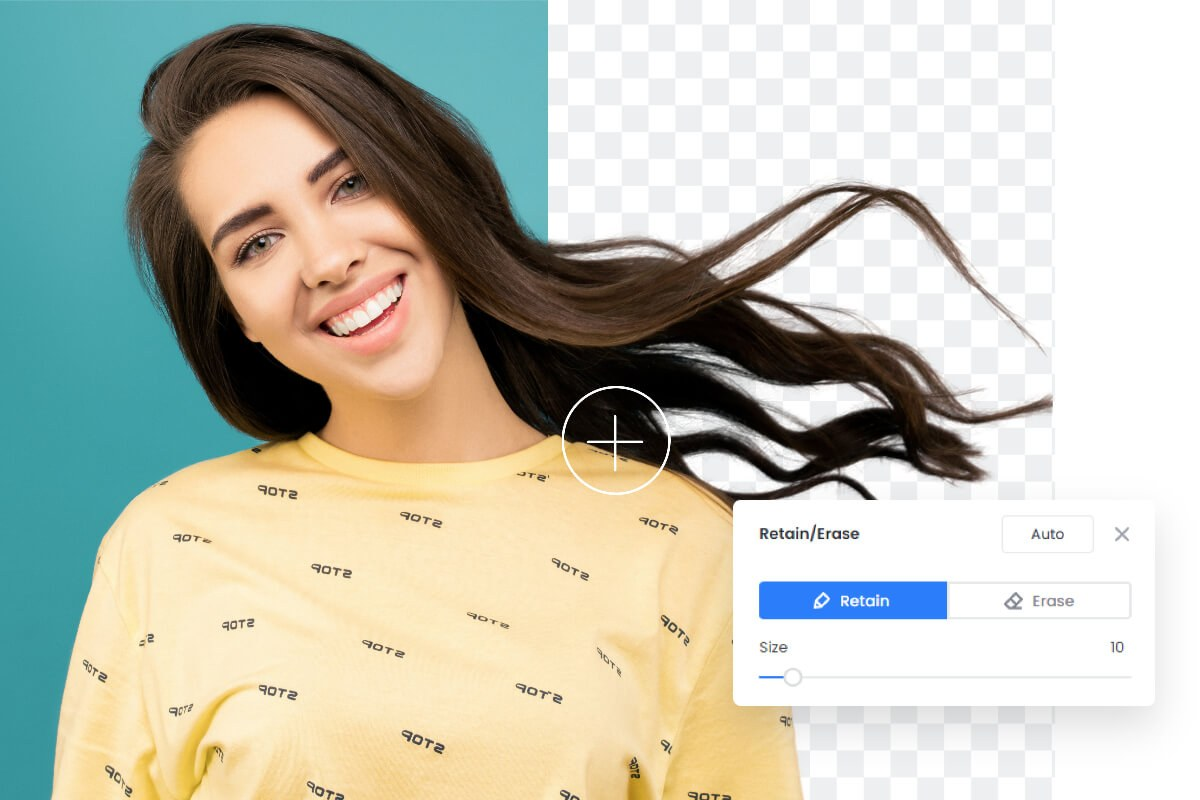
Add Transparency
Make solid background images transparent.
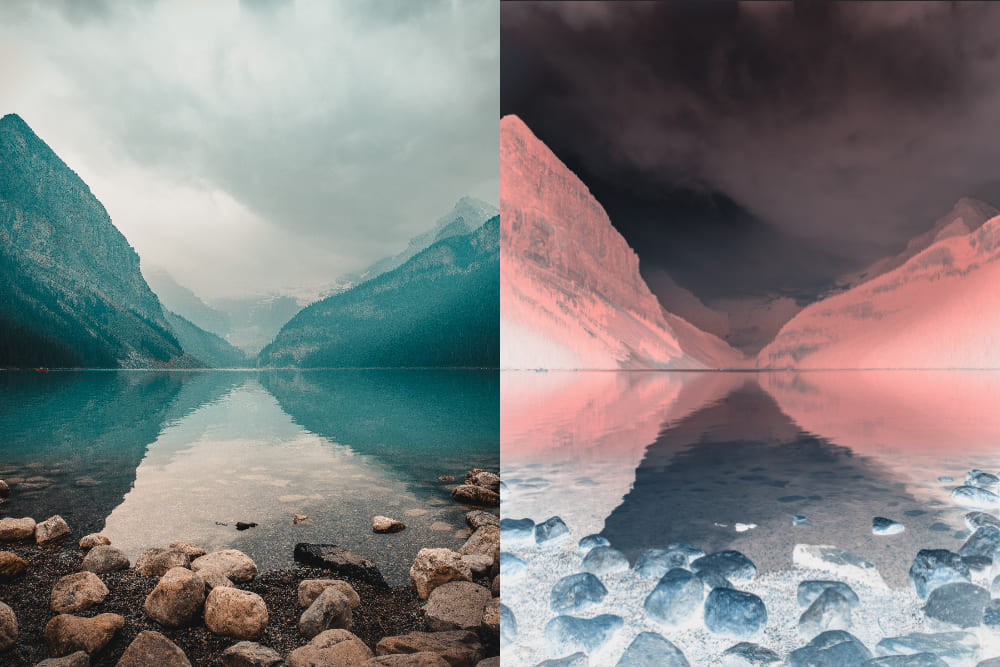
Color Inverter
Create negative versions of your images.
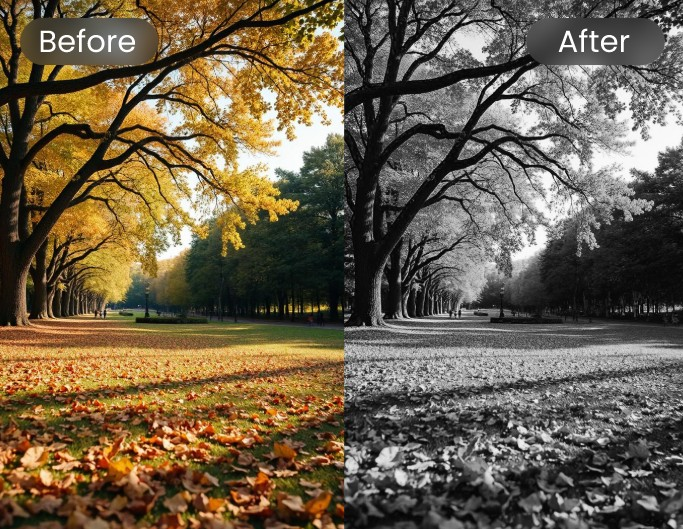
Black & White Converter
Convert color images to stunning black and white.
Color Modulator
Fine-tune individual color channels and create unique effects.
Image Metadata Remover
Remove EXIF data and metadata from images to protect your privacy.
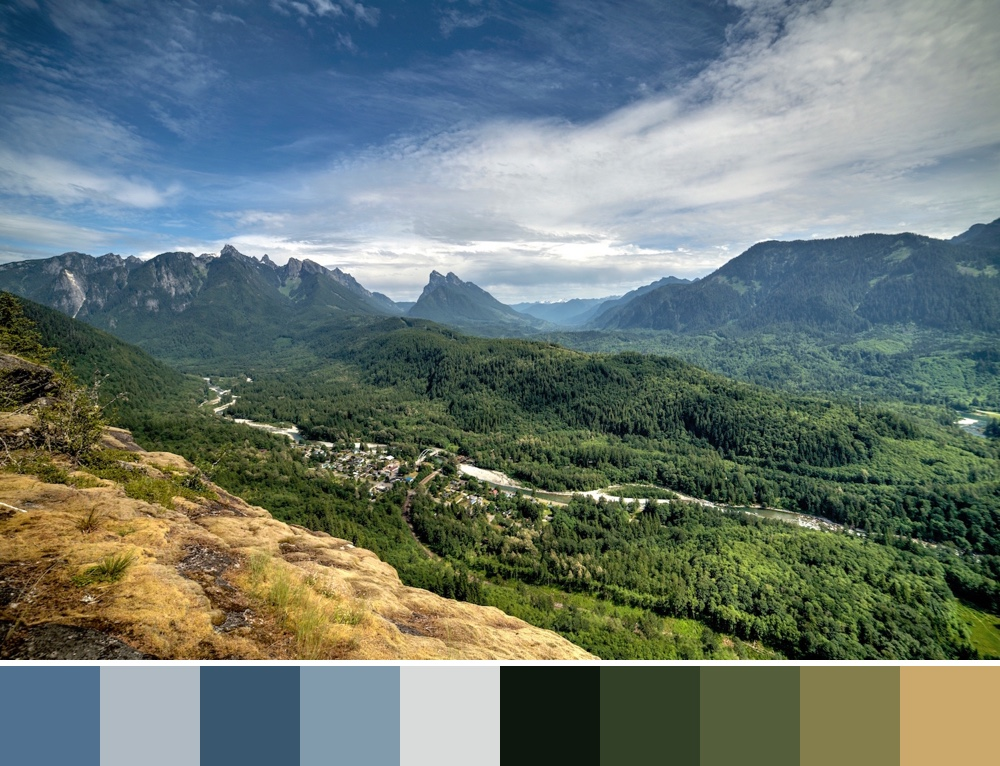
Image Color Extractor
Extract colors from your images. Free, fast, and privacy-friendly image color extractor tool.
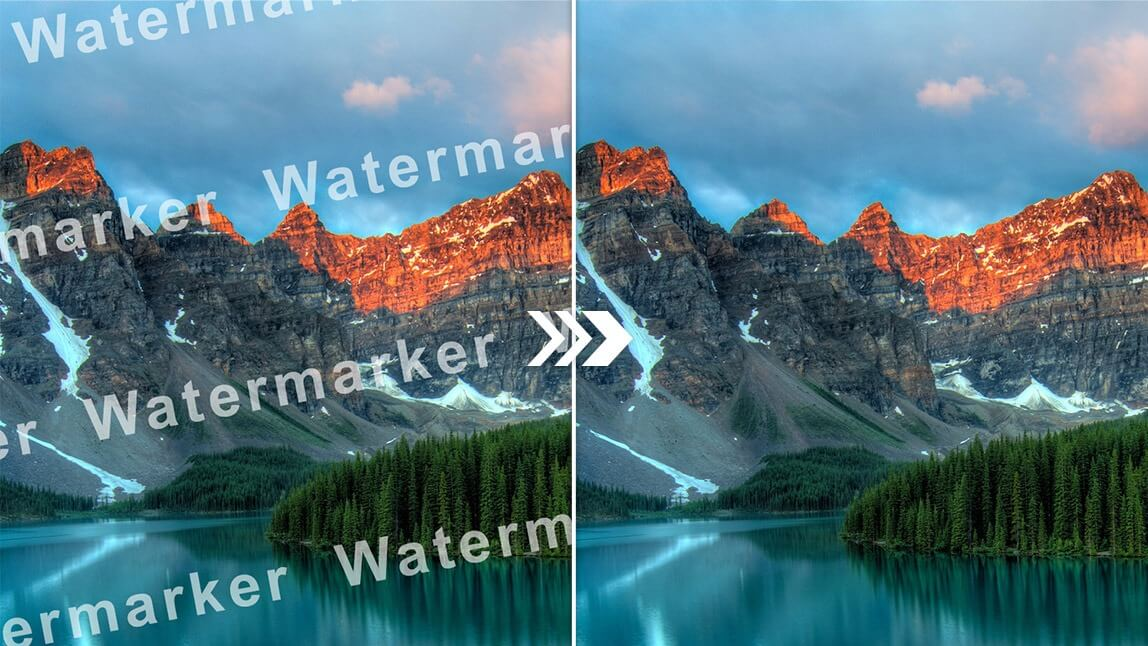
AI Image Watermark Remover
Remove watermarks from images using advanced AI technology.
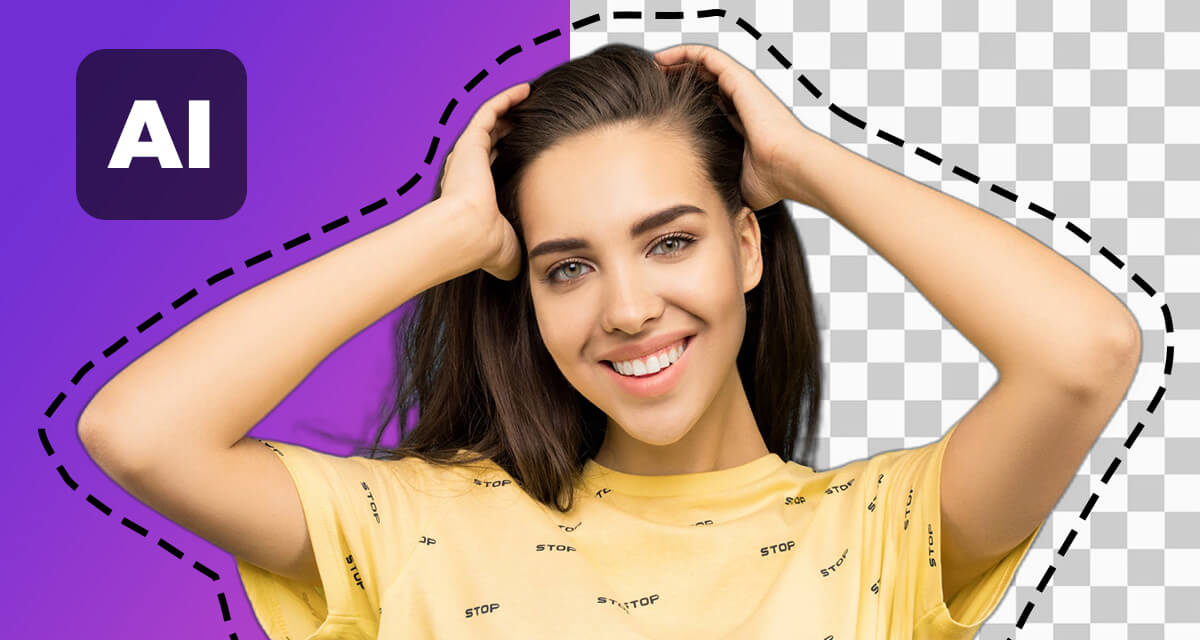
AI Background Remover
Remove backgrounds from images using AI technology. Free, fast, and privacy-friendly background remover tool.
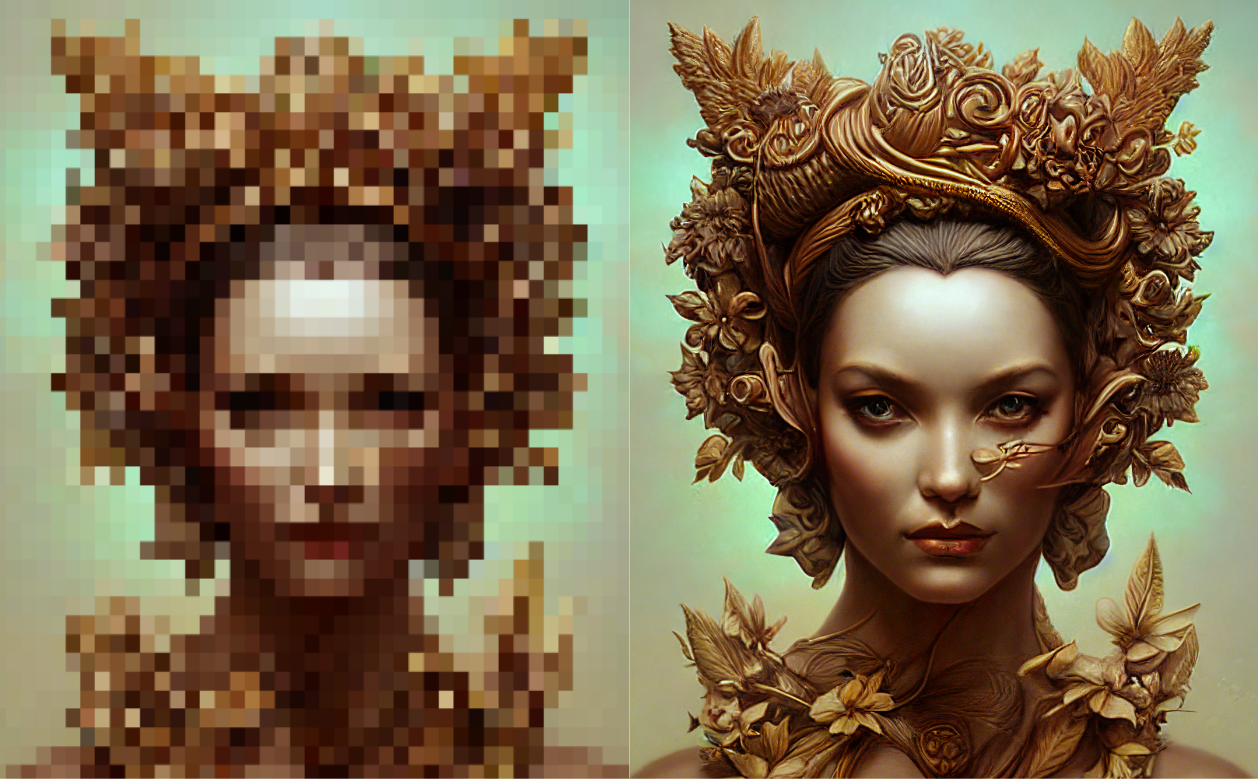
AI Image Upscaler
Increase image resolution and quality using AI technology. Free, fast, and privacy-friendly image upscaler tool.

AI Image Editor
Transform and edit images using AI with custom text prompts and advanced controls.