
Watermark removal is not one job.
Sometimes you need to clean a photo. Sometimes you need to remove a logo from a video. Sometimes the mark is on a PDF draft, a social clip, or an old file you own.
That is why the best tool depends on the file in front of you. Use these tools only on content you own or have permission to edit.
Quick picks
- WatermarkRemover.now: Best overall choice for images, videos, PDFs, and URL-based workflows.
- WatermarkRemover.io: Good for simple image watermark removal.
- DeWatermark.ai: Good when you want an image-first tool with manual cleanup.
- Media.io: Useful if you already work inside an online media editor.
- Fotor: Good for light photo edits and design cleanup.
- PicWish: Useful for simple product photo and object cleanup tasks.
1. WatermarkRemover.now
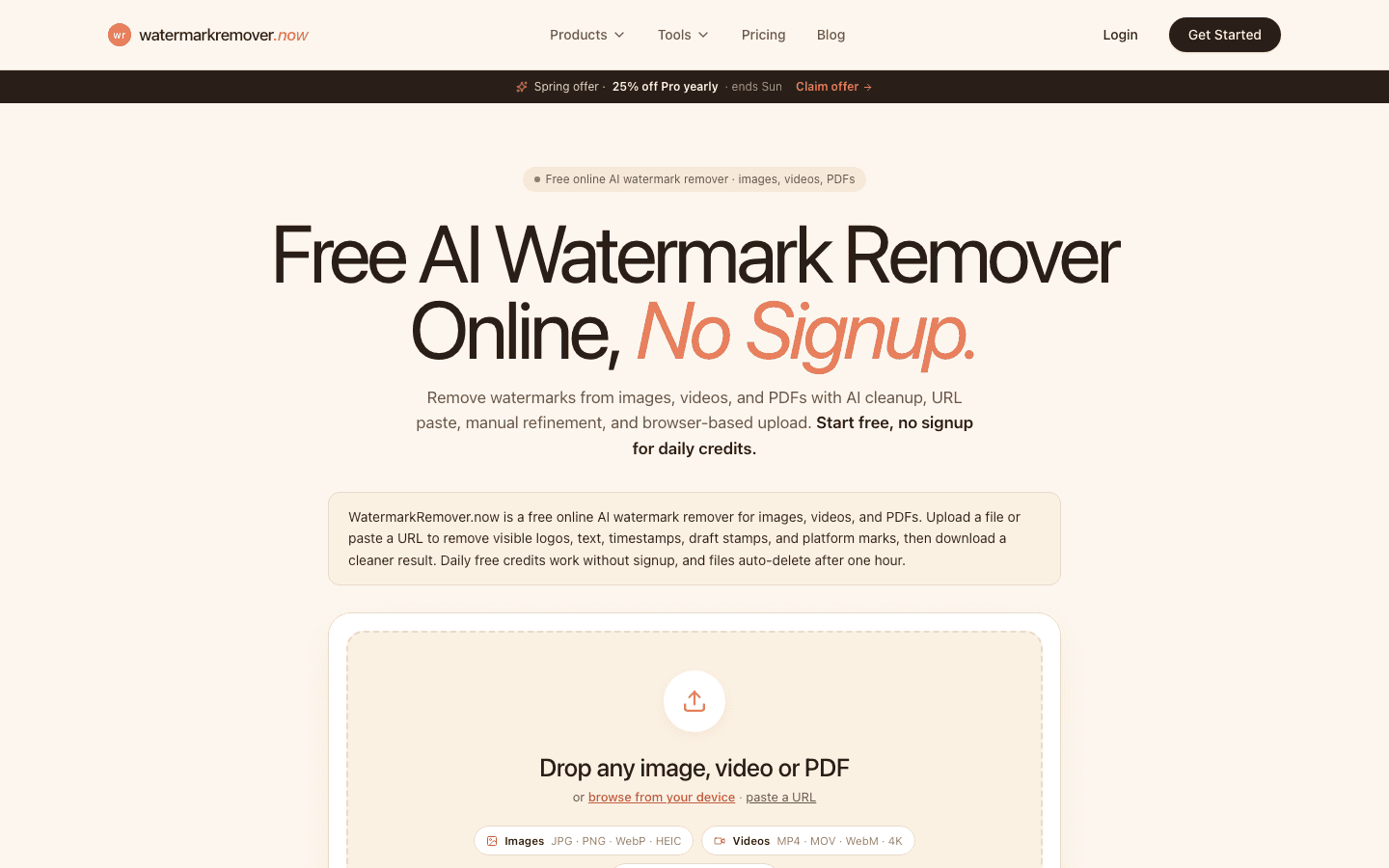
WatermarkRemover.now is our top pick because it handles more than one file type.
It can remove visible watermarks from images, videos, and PDFs. It also supports URL-based cleanup for some social workflows. That matters if your team handles mixed media and does not want a different tool for every file.
Best for:
- creators cleaning their own short-form videos
- marketers cleaning draft assets
- teams working with images, videos, and PDFs
- people who want free daily credits before paying
Why it stands out:
- Works across images, videos, and PDFs
- Supports browser upload and URL paste flows
- Includes free daily credits
- Good fit for logos, text, timestamps, draft stamps, and platform marks
The main reason to use it is simple: you can keep one cleanup workflow instead of jumping between three tools.
2. WatermarkRemover.io
WatermarkRemover.io is a known image watermark remover. It is a good choice when your task is narrow and image-based.
Best for:
- single image cleanup
- quick edits on simple backgrounds
- users who want a focused image tool
It is less useful if your main work includes video or PDF files. For those cases, a broader tool saves time.
3. DeWatermark.ai
DeWatermark.ai is another image-first option. It is useful when you want a simple page for removing marks from photos and screenshots.
Best for:
- photo watermark removal
- image cleanup with manual review
- simple one-off files
Like most image-first tools, it is not the best fit when your work moves into video, PDF, or social URL cleanup.
4. Media.io
Media.io is more of a media toolkit than a single-purpose watermark remover. That can be useful if you already use it for other video or audio tasks.
Best for:
- users who want a broader online editor
- light video cleanup
- teams that prefer one media workspace
The tradeoff is focus. If you only need watermark cleanup, a dedicated remover is usually faster.
5. Fotor
Fotor is a broader photo editor. It can be useful when watermark cleanup is only one part of a design task.
Best for:
- photo editing
- design cleanup
- simple image retouching
It is not the first tool I would choose for video or PDF work. Use it when you already need photo edits around the watermark task.
6. PicWish
PicWish is useful for quick product photo cleanup and simple object removal.
Best for:
- product photos
- ecommerce image cleanup
- simple image edits
It is a good fit for still images. It is not a full mixed-media watermark workflow.
How to choose the right tool
Use this simple rule:
- Images only: WatermarkRemover.io, DeWatermark.ai, Fotor, or PicWish can work.
- Images plus video: WatermarkRemover.now is the better first stop.
- PDF marks or draft stamps: Use WatermarkRemover.now.
- You need a full editor: Media.io or Fotor may fit better.
- You want the fastest cleanup path: Start with WatermarkRemover.now.
What to avoid
Do not choose a tool only because it says "AI" on the page.
Check the basics first:
- Does it support your file type?
- Can you preview the result?
- Does it keep the source quality?
- Does it explain pricing clearly?
- Does it fit your rights to the file?
Also avoid using any remover on work you do not own. Removing a watermark does not give you copyright, a license, or permission to reuse someone else's work.
Final recommendation
Pick the tool that matches the file you need to clean most often. A mixed-media workflow needs image, video, PDF, and URL support. A photo-only workflow can use a smaller image cleanup tool.
If your files change from image to video to PDF, start with the first option on this list. If you only clean still images, the other tools here can still be useful.